Schools
Run lessons, conduct exams, store student records, generate certificates, collect payments and access library from one organised digital space.
Learning workspace
ED Library helps organisations manage all their online learning resources.
Who is ED Library for?
Run lessons, conduct exams, store student records, generate certificates, collect payments and access library from one organised digital space.
Package lessons, share resources, track learners, and keep your teaching materials available anywhere.
Deliver structured programmes, manage cohorts, publish resources, and review progress across courses.
Create modules, upload videos and files, publish books, and connect learning content with assessments.
Support community learning, literacy projects, skills training, and accountable programme reporting.
Train staff, share policies, organise onboarding, and monitor completion without the installation of extra software.
Benefits
ED Library brings daily learning workflows into one calm, secure, and branded experience.
A branded learning workspace with the institution having 100% control for course creation, library management, record handling, fees collection, certificate generation, and role assignment for members.
Tools to create courses, publish books, add multimedia content, build exams, and review learner progress.
A simple place to continue lessons, read books, practise coding, take approved exams, and view results.
Cleaner communication around learning records, payments, results, and certificates through the organisation.
See it in action
Use the demo to understand this platform before creating an organisation account or subscribing to the platform.
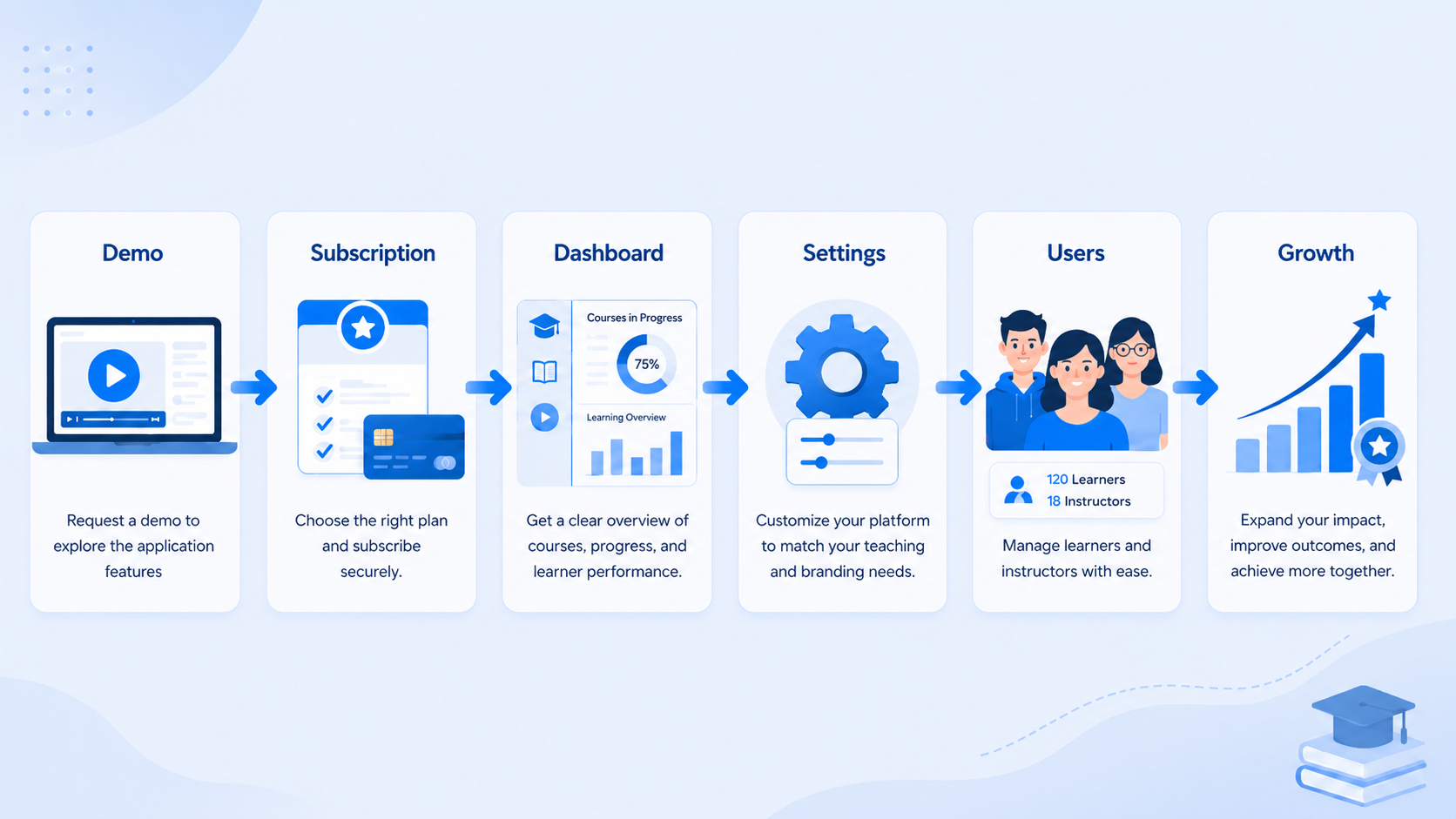
Book a DemoSee how you can subscribe, choose a plan, prepare a secure domain-based learning space, and customise it for your organisation.
See how instructors and authors can build lessons, upload files, add videos, and publish digital books.
Understand how students continue lessons, complete content, take approved exams, and access results.
Keep learner records, payment history, certificates, and organisation updates in one reliable workspace.
Use approved domains, role assignment, invite-code access, and guided onboarding to protect each organisation.